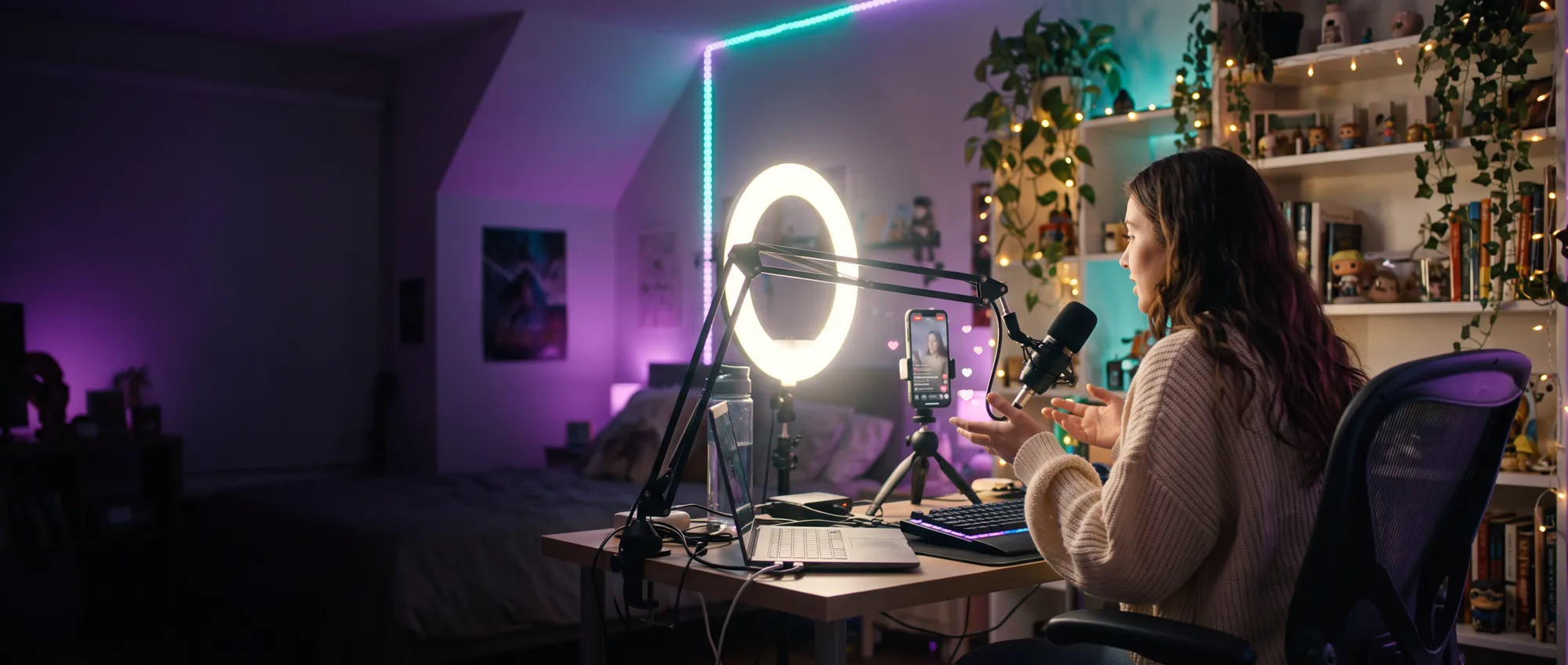
Change your face live on stream.
Upload one photo and Facecast swaps it onto your face in real time, on your own graphics card. Your hair, your room and every expression stay yours. Capture it in TikTok LIVE Studio or OBS and go live.
Windows with an NVIDIA RTX graphics card. Cancel any time.
The “On stream” side is Facecast’s own output. The streamers and faces shown are AI-generated, not real people.
Works with
- TikTok LIVE Studio
- OBS Studio
- Streamlabs
- YouTube Live
- Twitch
One photo is all it takes.
Pick a face and it’s on your stream a moment later. Facecast changes only the face, so your hairstyle, earrings, outfit and lighting carry straight through, and it still looks like your stream.
- Checks each photo is sharp and well lit before you use it
- Keep a library of faces and switch between them live
- Blinks, smiles and lip movement come through
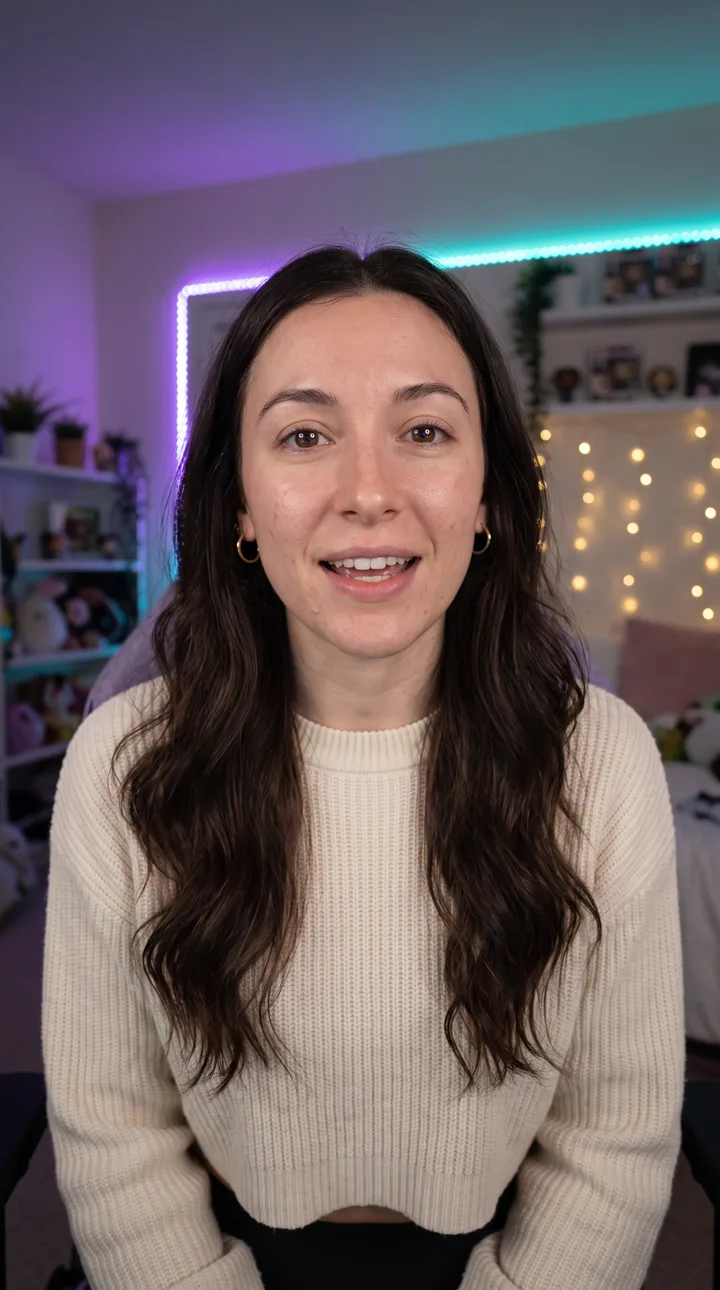
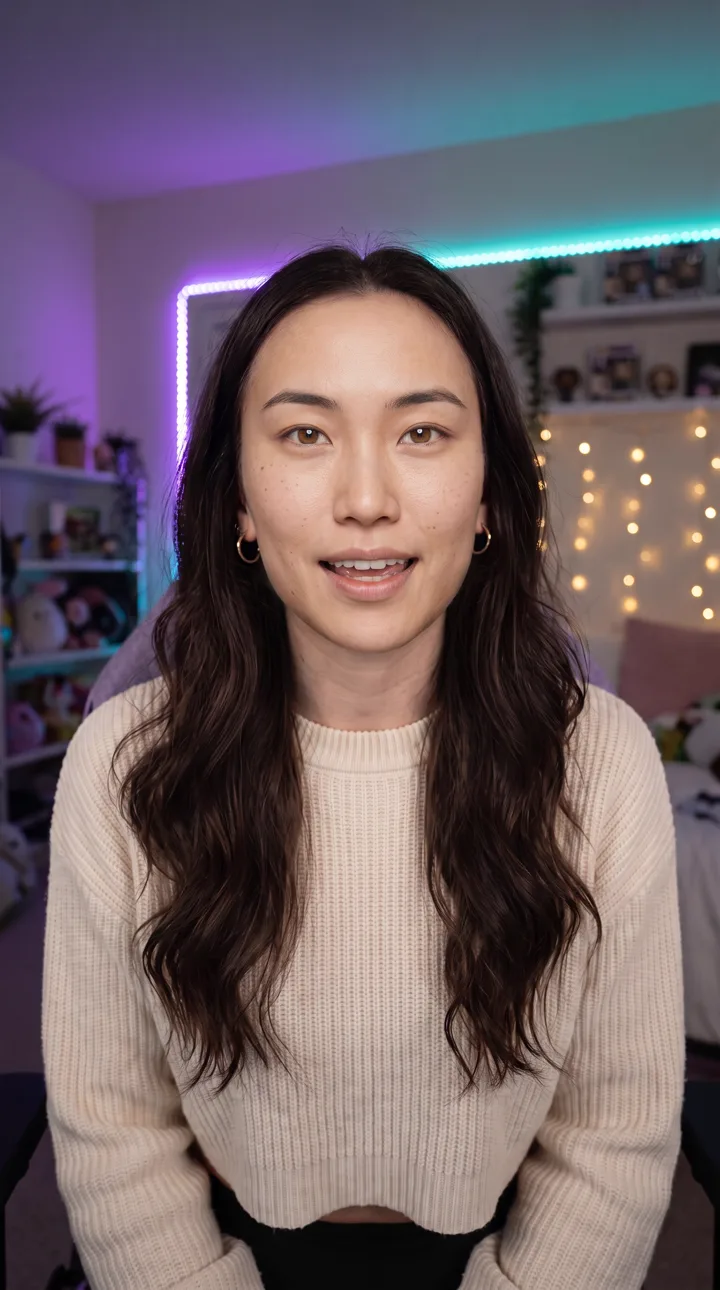
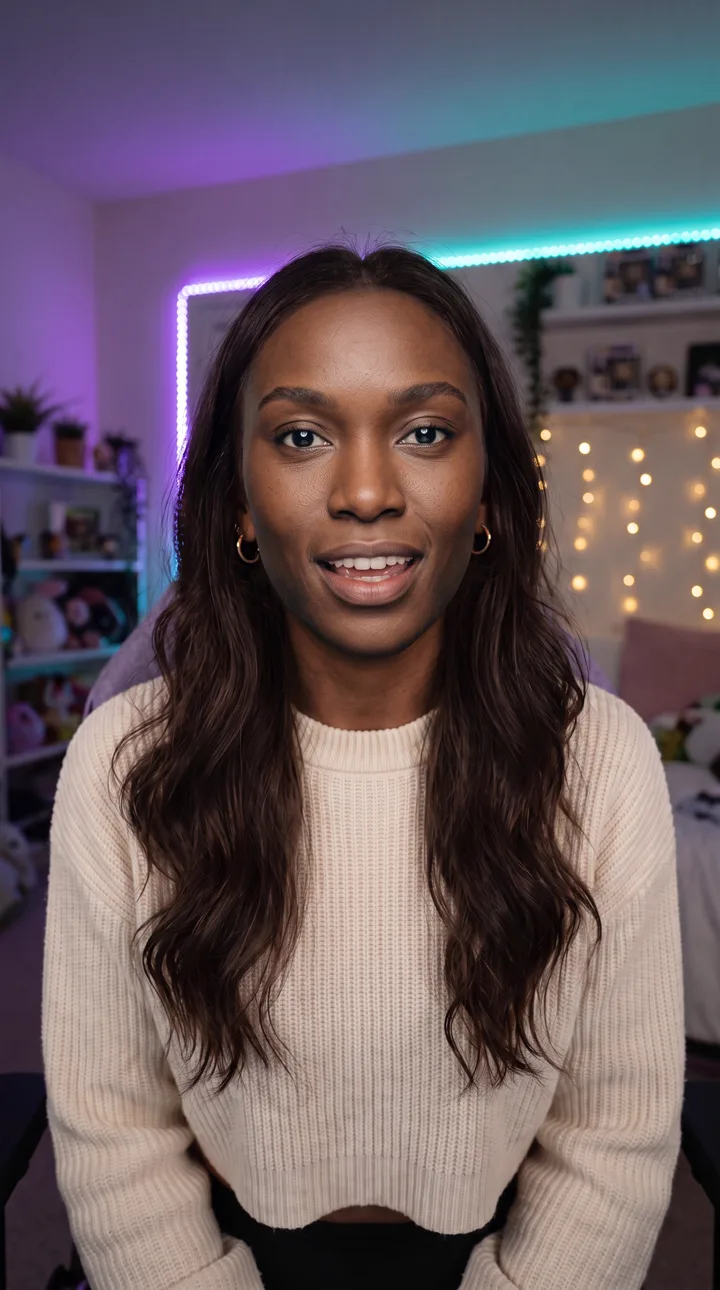
 On stream
Smooth enough to stream on.
The swap follows every laugh and head turn in real time: 20 to 30+ frames a second on an RTX 4080 SUPER, in portrait for TikTok LIVE or landscape for YouTube and Twitch.
Private by design
Your photos and camera never leave your computer. The swap runs on your graphics card, not in the cloud.
Ready in minutes
The studio opens as soon as you enter your key. The AI engine downloads in the background and switches on by itself.
Picks your real camera
Facecast skips capture cards and virtual cameras and starts with your webcam, then remembers your choice.
Live in three steps.
No green screen, no plugins and nothing to configure.
 Sharp, front-facing, well lit
Upload a photo
One clear, front-facing photo of a face you have the rights to use.
- Camera found
Turn on your camera
Facecast finds your webcam and starts swapping straight away.
Capture the clean feed
Add the clean feed window in TikTok LIVE Studio or OBS, turn on the AI-generated label, and go live.
What you need.
Facecast checks your computer the first time it starts, and tells you if anything is missing.
- System
- Windows 10 or 11, 64-bit
- Graphics card
- NVIDIA GeForce RTX, driver 528.33 or newer
- Disk space
- About 12 GB free for the AI engine and face models
- Internet
- For the first setup (about 5 GB) and a license check at least once a week
- Camera
- Any webcam, or a camera through a capture device like Cam Link
- Mac
- Not yet. Apple Silicon support is being tested.
One plan. Everything included.
Billed monthly or yearly. Subscribe and your license key arrives by email straight away. It unlocks the download and the app.
Cancel any time and keep using Facecast until the end of the period you’ve paid for. Already subscribed? Download Facecast.
Price announced at launch
Billed every month. Cancel any time.
- Live AI face swap on your own graphics card
- Clean feed window for TikTok LIVE Studio and OBS
- Use it on 2 computers
- Every update while you’re subscribed
Checkout isn’t open yet. When it is, you’ll pay by card or PayPal through Lemon Squeezy, and your license key arrives by email.
Questions.
Does it work with TikTok LIVE Studio and OBS?
Yes. Facecast opens a window called “Facecast clean feed” with just the video. Add it as a Window capture source. In OBS you can also start the Virtual Camera to use it as a camera anywhere.
Do I need an NVIDIA graphics card?
For the AI face swap, yes: it runs on NVIDIA RTX cards. Without one, Facecast still has a lighter in-browser filter that warps your photo onto your face, at lower quality.
Is there a Mac version?
Not yet. Macs don’t have NVIDIA cards, so the engine needs a different path on Apple Silicon. It’s being tested, and Mac support will come only if it runs smoothly.
Are my photos uploaded anywhere?
No. Faces are stored on your computer and the swap runs on your graphics card. The only thing Facecast sends online is your license key and your computer’s name, to check your subscription.
Whose face can I use?
Your own, or someone who has given you permission to use their likeness on a livestream. You can’t use it to make viewers think you are really that person, or use photos of children. See the terms of use.
How do I get the download?
Subscribe, and your license key arrives by email. Enter it on the download page to get the Windows installer, then once more when Facecast first opens.
How long does setup take?
The studio opens as soon as you enter your key. The AI engine downloads in the background (about 5 GB) and switches on by itself, usually within a few minutes on a fast connection. It keeps tuning itself to your card for about 15 minutes, and later launches are fast.
How many computers can I use?
Each subscription works on 2 computers. To move it, choose “Deactivate this computer” in Facecast, then enter your key on the new one.
What happens if I cancel?
Facecast keeps working until the end of the period you’ve paid for, then asks for an active subscription. Your faces and settings stay on your computer if you come back.